← Back to Features
Teacher tools
Reduce repetitive administration so teachers can support students
Lesson notes, teaching progress, learning materials, and assignments all live in one place, connected to the curriculum your school has set - written once, reviewed once, and automatically visible to the right students and parents.
Lesson Notes & Assignments
What's included
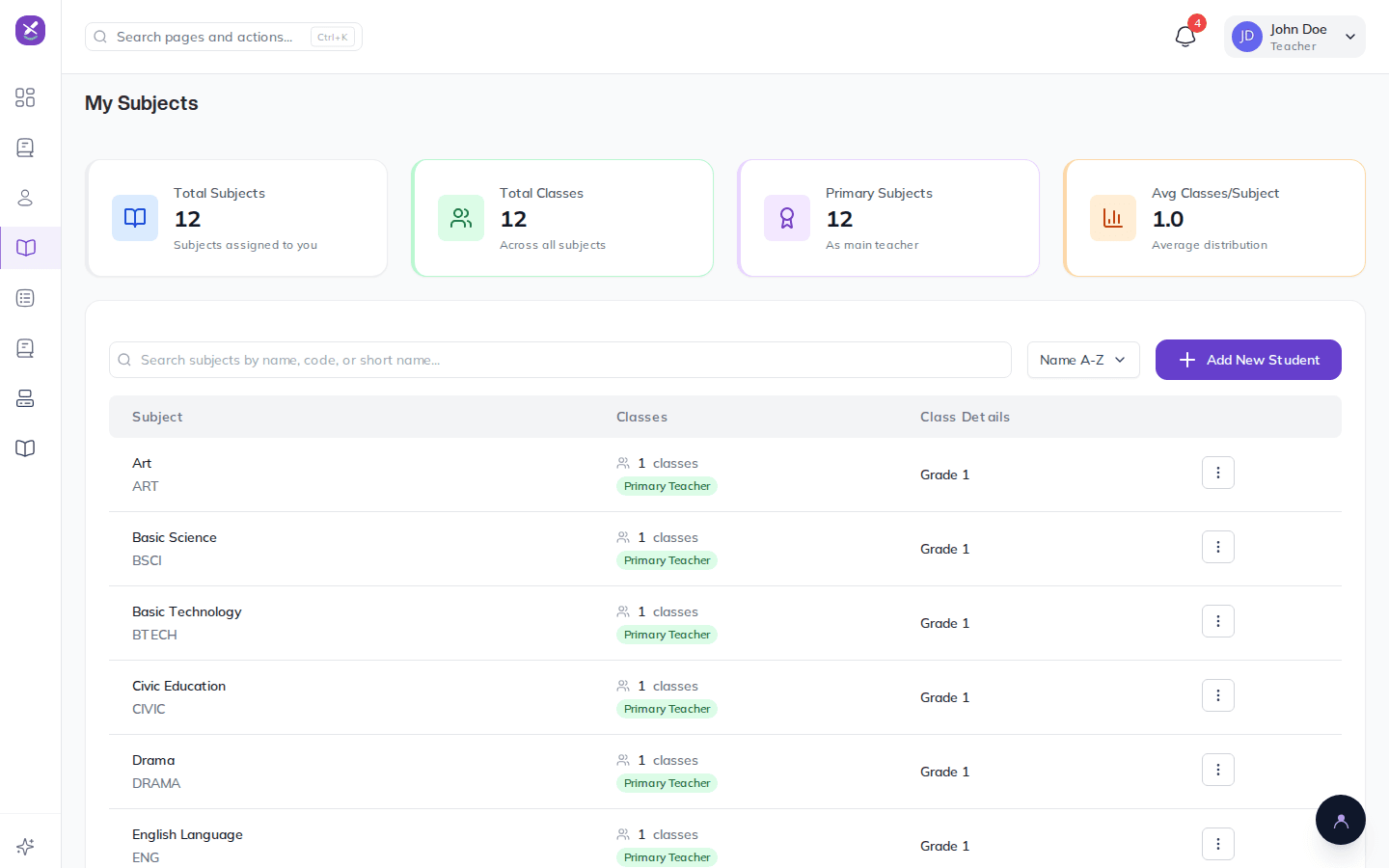
- Lesson notes are tied to a curriculum topic, class, and subject, and go through a review flow so a head of department can approve or send one back with a reason
- Teachers track curriculum coverage lesson by lesson, starting, pausing, and finishing topics in real time, so school leaders can see exactly how much of the term has actually been taught
- Learning materials attach to lessons and are usage-tracked, so you know which resources are actually being used
- Assignments support online submission or a scanned paper submission that a teacher marks and grades directly, with bulk grading for a whole class at once
- A "return for correction" flow sends work back to a student without losing the original submission
- Parents see their child's assignments, submission status, and grades from their own portal, automatically
How this connects
This is where the academic workflow starts - what gets taught here shows up later as coverage data behind promotion decisions, and assignment grades sit alongside CA scores when Results & Report Cards are prepared, so a teacher's day-to-day work is never disconnected from the final report card.
Lesson Notes & Assignments is free, like everything else
Get started with your school today, or explore the rest of what Knowvia offers.